
Copyright Removal (DMCA)
Last updated: November 1, 2026
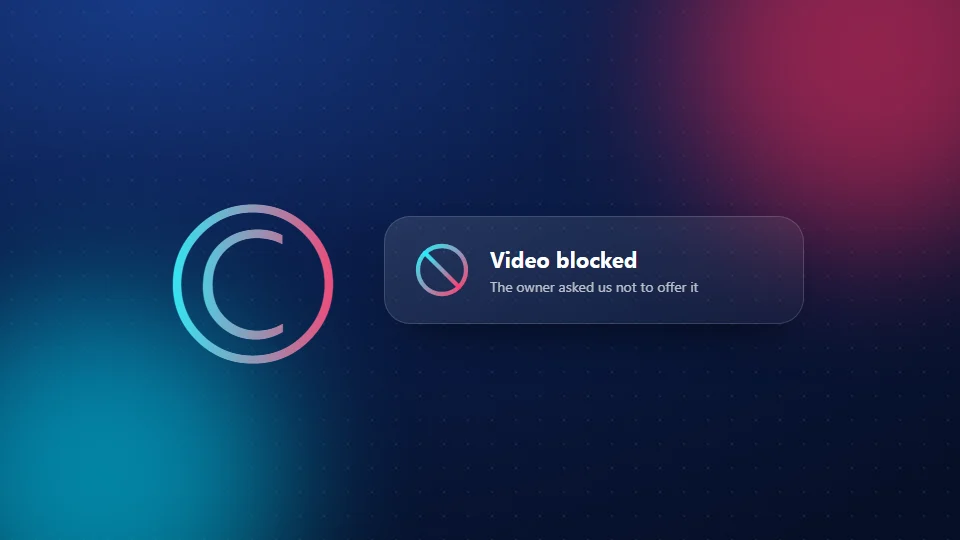
SnapTik helps people download TikTok videos, but it doesn't host them. Files come straight from the platform when a visitor asks for them. But we respect creators, so if you own a video and don't want it offered through SnapTik, we will block it.
How to ask us to block a video
Email [email protected] with the subject "Copyright removal" and include:
- The link to each video you want blocked.
- Your name and how you are connected to the video, for example "I am the creator" or "I represent the creator".
- A link to the account that posted it, or another way to show it's yours.
- A statement that the information you sent is accurate and that you are the owner or are allowed to act for the owner.
What happens next
We check the request and, when it's valid, add the video to our block list. We aim to do this within 3 working days. After that, anyone who pastes the link into SnapTik sees: "The owner of this video asked us not to offer it for download." We email you when it's done.
Want it gone everywhere?
Blocking a video on SnapTik doesn't remove it from TikTok or other sites. To stop all downloads, you can turn off downloads in TikTok's privacy settings, make the video private, or delete it. Private and deleted videos can't be saved with SnapTik.
Counter-notice
If you believe a video was blocked by mistake, email us with the link and an explanation. We'll review it.