
TikTok to MP4
- Plays Everywhere
- Pick Your Size
- Editor Friendly
- No Re-encoding
MP4 files for phones, TVs and video editors
TikTok to MP4 with SnapTik takes a TikTok link and gives you a plain MP4 file that plays almost anywhere. Paste the link above, pick a size, and save. Use the file in a video editor, play it on your TV, or keep it as a backup. No signup and nothing to install.
How to convert TikTok to MP4
Copy the link
Copy the video link in TikTok (Share > Copy link).
Paste the link
Paste it above and tap Download.
Save the MP4
Tap one of the MP4 buttons. The file saves to your device.
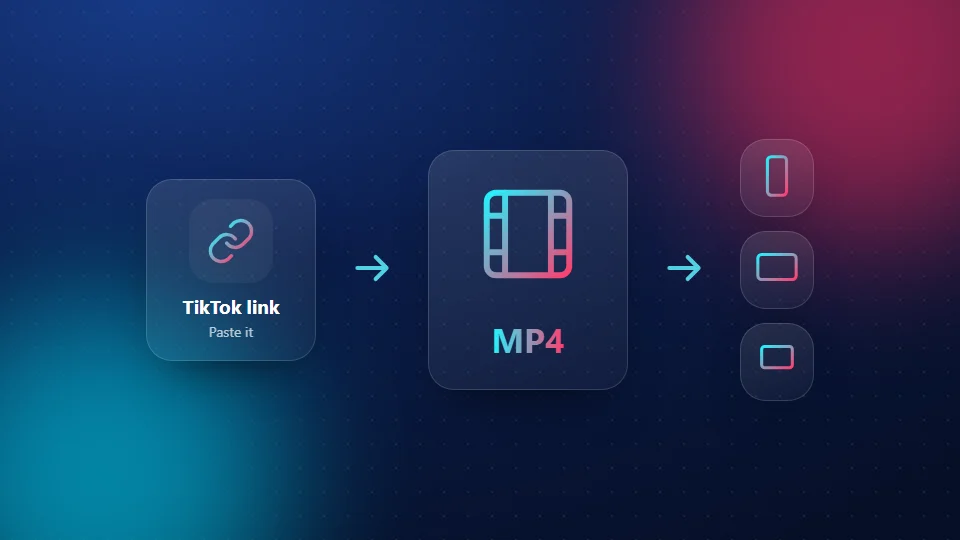
Why MP4 is the right format
MP4 is the most common video format in the world. Phones, laptops, smart TVs, game consoles and every major editing app open it without extra software. You get a file that just works, wherever you take it. Only need the audio? Use the MP3 tool.
Pick a size
| Size | Use it for |
|---|---|
| 1080p | Editing, TV, laptop |
| 720p | Phones and sharing |
| 576p | Low storage or slow data |
Not sure? Our HD downloader page explains each size and how to check what you saved.
Use your MP4 in a video editor
On your phone
Open your editing app, start a new project and add the MP4 from your gallery or Files. Trim, add text or music, and export.
On a computer
Drag the MP4 from your Downloads folder into the editor's media panel, then onto the timeline. Start with the 1080p file when it's available, because each export loses a little quality. Our PC and Mac guide shows how to save it first.
Play a TikTok MP4 on your TV
Copy the file to a USB stick and plug it into your TV, or cast it from your phone with the TV's casting feature. Most smart TVs play MP4 directly. Vertical videos will show with black bars on the sides; that's normal.
Send an MP4 without losing quality
Chat apps shrink videos sent as media. To keep the quality of your TikTok to MP4 file, send it as a document or file, or share a cloud link instead.
Pros and cons
Pros
- MP4 plays on almost every device
- No watermark
- Choose the size you need
- Free, no signup
Cons
- MP4 only, no MOV or GIF
- 1080p files are large
- Public posts only
- One video at a time
Frequently Asked Questions
Isn't a TikTok already a video file?
Inside the app, yes, but TikTok doesn't hand you that file without a watermark. Converting TikTok to MP4 with SnapTik gives you a clean copy you can keep.
Does converting TikTok to MP4 lower the quality?
No. SnapTik saves the file at the size you choose without re-compressing it. Pick 1080p when it's offered for the sharpest copy.
Can I convert to MOV or GIF?
Not right now. MP4 plays in the same places MOV does, and most phone editors can turn an MP4 into a GIF.
Will the MP4 have a watermark?
No. The MP4 files have no TikTok logo or username.
Is it free?
Yes. TikTok to MP4 on SnapTik is free and needs no account.
Is SnapTik part of TikTok?
No. SnapTik at snaptikhd.org is an independent tool. We are not part of TikTok or ByteDance. Our TikTok to MP4 tool works with public posts only.